Publish to personal profiles and company pages on LinkedIn.
RevScope connects directly to LinkedIn so you can move from post concept to published content without rebuilding the work somewhere else. Create, refine, schedule, and publish across personal profiles and company pages from one workflow.
Built for teams and professionals who want LinkedIn publishing to feel operational, not improvised.
What the LinkedIn integration actually lets you do
RevScope is not just a place to draft content for LinkedIn. It connects creation and publishing so the work moves cleanly from idea to live post.
Publish directly to personal profiles
Move from finished draft to live LinkedIn post without copying the content into another tool.
Publish to company pages
Support brand publishing and company-page workflows from the same system you use for content creation and approvals.
Schedule ahead
Queue content for the right moment instead of relying on someone to manually post when the draft is ready.
Analyze public LinkedIn posts
Study what is working in public posts and use those signals to improve what you create next.
One workflow from concept to publish.
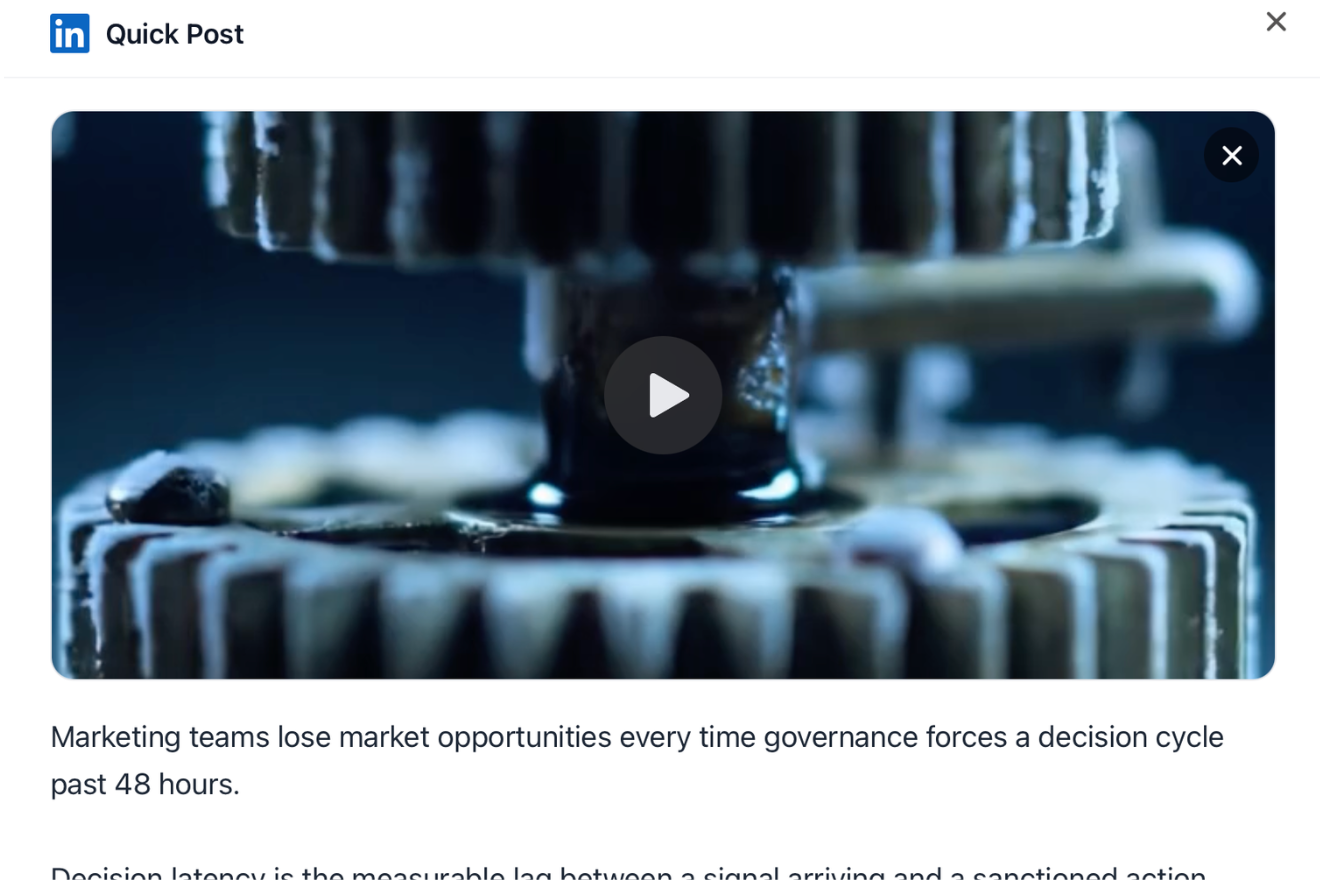
Most LinkedIn workflows break down between creation and launch. The draft lives in one tool, the visual in another, approvals happen somewhere else, and publishing depends on a final round of copy-paste. RevScope closes that gap by keeping the content, editing, preview, and publish step connected.
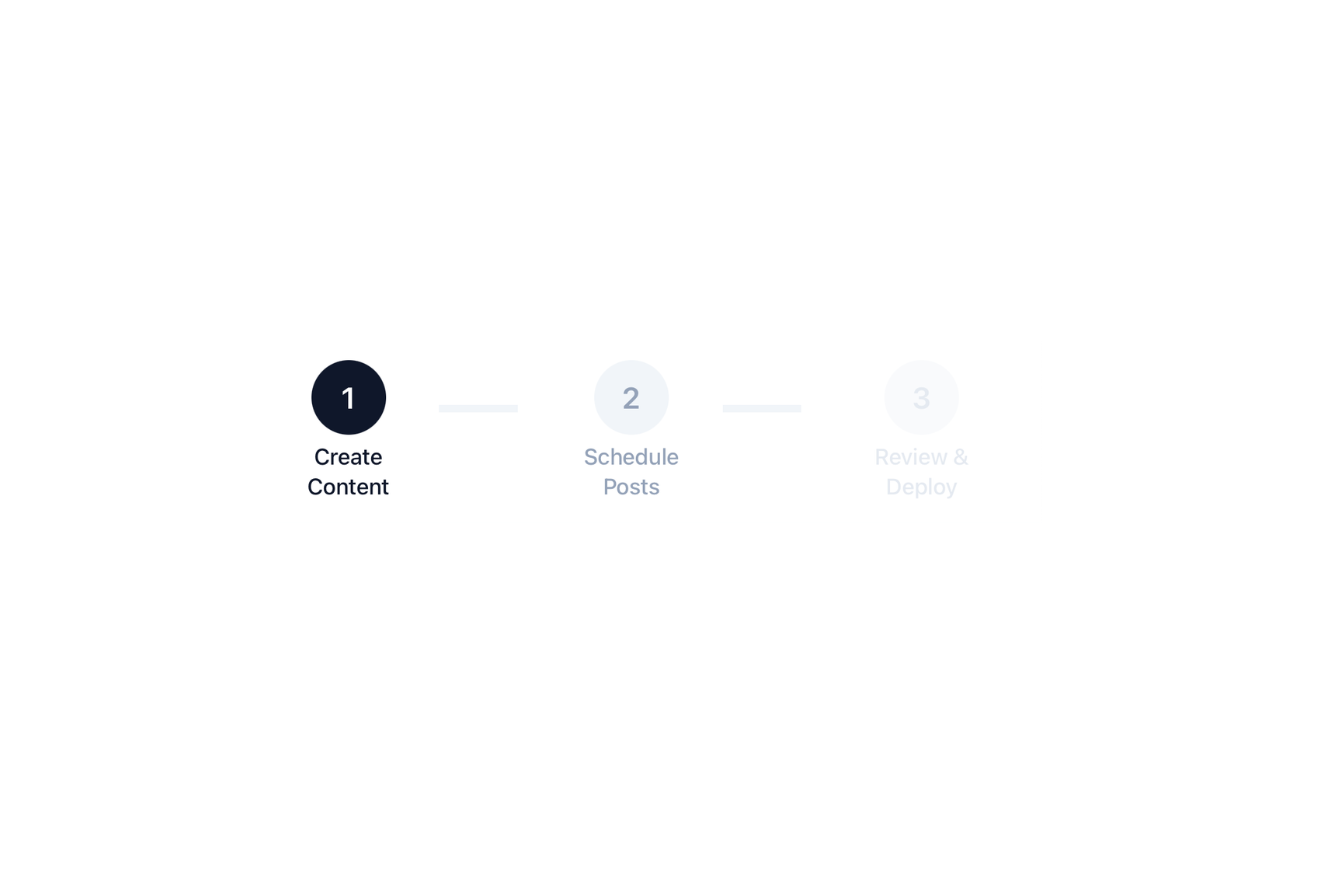
- start from a saved post concept
- refine the copy and creative in Create
- preview the final post before launch
- publish or schedule from the same workflow
Built for both individual and company-page publishing.
RevScope supports the way LinkedIn actually works inside growing teams. Sometimes the goal is to help one executive post more consistently. Sometimes it is to keep the company page active without building a messy internal process. Often it is both. RevScope supports personal profiles and company pages in the same system so teams do not have to manage those workflows separately.
- executive and founder posting
- company-page publishing
- shared workflows across teams
- cleaner coordination between content and launch
What connecting LinkedIn changes
Less copy-paste
Once the post is ready, it can move directly to LinkedIn without being rebuilt somewhere else.
Fewer handoff mistakes
Keep the copy, creative, and final preview aligned all the way through publish.
Cleaner scheduling
Plan content ahead without turning scheduling into a separate layer of work.
Stronger consistency across surfaces
Support both individual visibility and company-page publishing from the same operating workflow.
How connection works
Connect LinkedIn inside RevScope
Authorize your LinkedIn account from inside the product.
Choose where the content should go
Publish to a personal profile or a company page, depending on the workflow.
Refine, preview, and schedule
Make final edits, confirm the post preview, and choose whether to publish now or later.
Launch without switching tools
Move from draft to live post without breaking the workflow.
Frequently asked questions
Do I need to connect LinkedIn to use RevScope?
You need a LinkedIn connection for direct publishing and scheduling. Some discovery and analysis workflows can still be useful before that step.
Does RevScope support company pages?
Yes. RevScope supports publishing to LinkedIn company pages as well as personal profiles.
Can teams manage both executive and company-page content?
Yes. RevScope supports workflows where teams create, refine, approve, and publish content across both individual voices and company pages.
Can I schedule posts?
Yes. RevScope supports scheduling so teams can prepare content in advance and publish at the right time.
Can I analyze a public LinkedIn post without connecting my own account?
Yes. Public post analysis can still be useful even before you connect LinkedIn for publishing.
How is this different from using a scheduler alone?
A scheduler helps after the content already exists. RevScope connects the earlier work too — starting point, refinement, creative support, preview, and publishing — so the workflow does not split apart before launch.
Connect the workflow all the way to LinkedIn.
Create stronger content, keep approvals and publishing cleaner, and support both profiles and company pages from one system.